Quarry Landmark
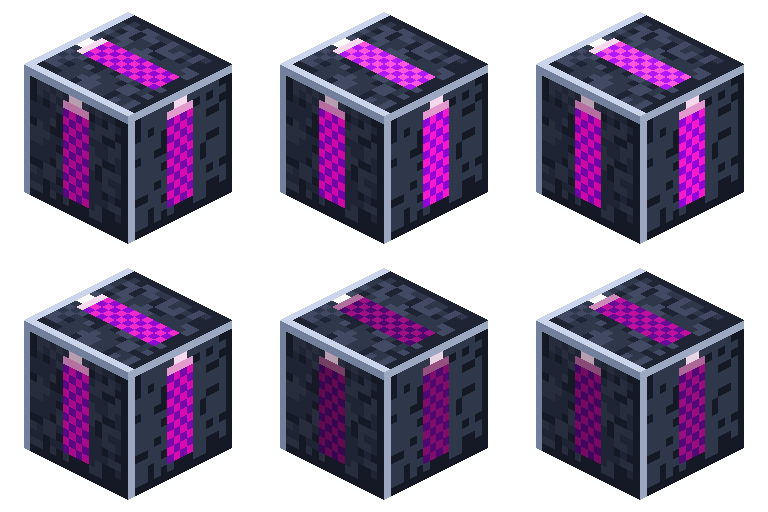
A corner marker that defines the area a Quarry Controller will mine.
Overview
Landmarks are how you draw a quarry's footprint. Each one projects animated marker lasers along the horizontal axes; place three in an L and the controller reads them as the corners of a rectangle. They're consumed when the quarry activates.
Landmarks are optional: you can instead outline the rectangle yourself with hand-placed frame blocks (Frame Casing is placeable) and put the controller beside the closed ring — see Quarry Controller.
Obtaining
Craft (shaped, makes 3):
R
G
I
R = Redstone · G = Glass · I = Nerosteel Ingot
How it works
-
Three landmarks = a box. Two landmarks "link" when they share a row or column at the same Y
within range; an L of three gives all four extents of the rectangle.
-
Same Y level. Place all three at the same height — that height becomes the quarry's reference
plane (the frame is built there; mining runs from just below it down to bedrock).
-
Within the tier's cap. The rectangle's longest side must fit the controller's area cap
(Tier 1 = 16). An oversized or degenerate layout makes the controller pause with "bad region".
-
Binding. Place the Quarry Controller next to / in line with a landmark.
On activation it scans the cluster, removes the landmark blocks, and builds the frame.
-
Cosmetic only otherwise — the lasers are a client-side effect; landmarks have no inventory or
power.
Details
- ID:
nerospace:quarry_landmark· Tool: pickaxe · Drops: itself - See Quarry Controller for the full mining setup.